Table of contents
5 min read
Why macOS Terminals Mangle Korean: NFC vs NFD (1/2): NFC vs NFD
Why Korean text and sorting look broken on some macOS terminals — the root cause is NFC vs NFD.
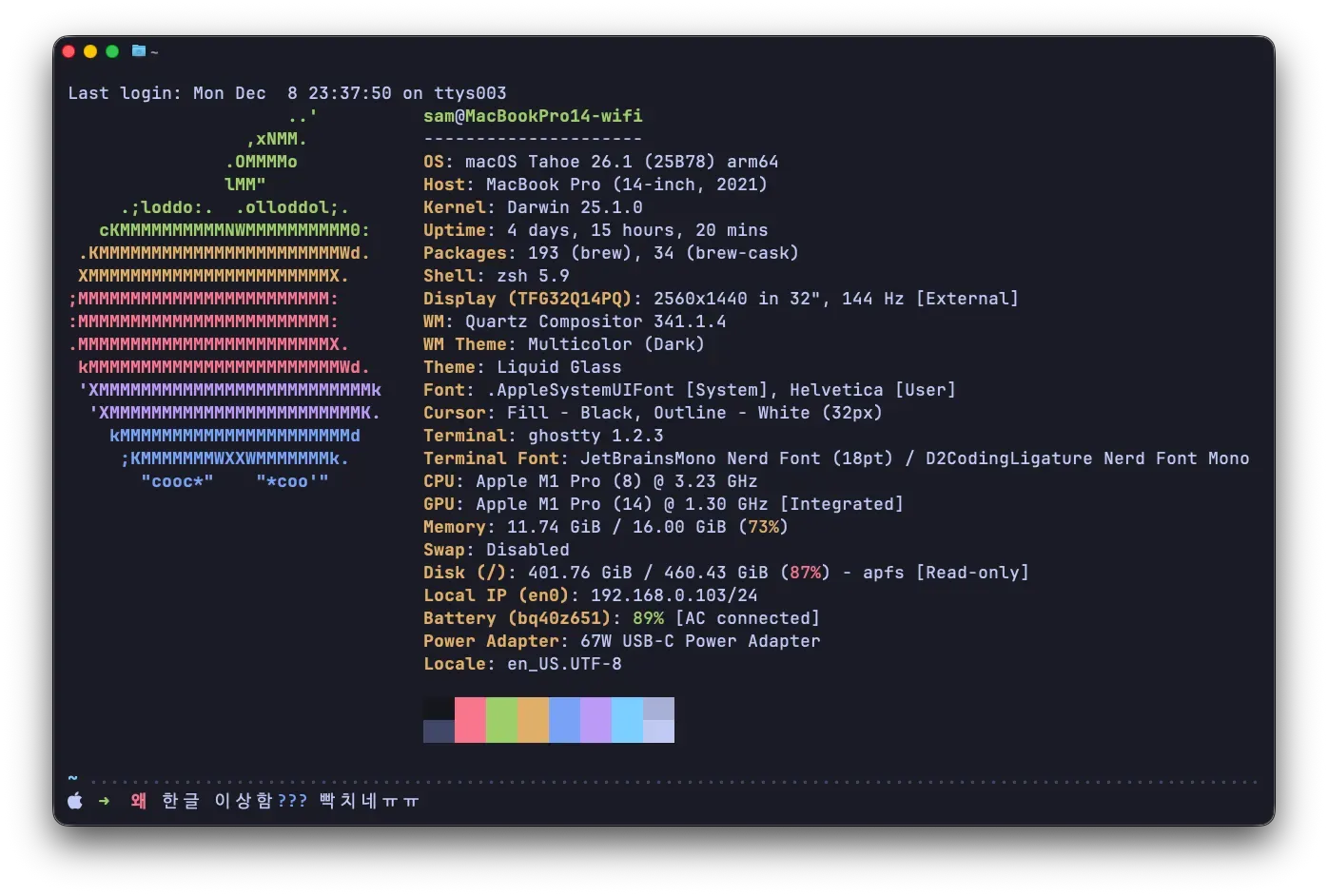
I work in the terminal across Windows, Linux, and macOS. To keep things consistent, I’ve been using WezTerm — it’s cross-platform — with a config file that gets me as close to the same environment! across all three OSes as I can.
Then one day, while editing my WezTerm config like usual, the thought hit me: “Am I sinking time into the wrong things?” I decided to give Ghostty a try — its defaults are nice enough that you don’t need much config to make it look reasonable.
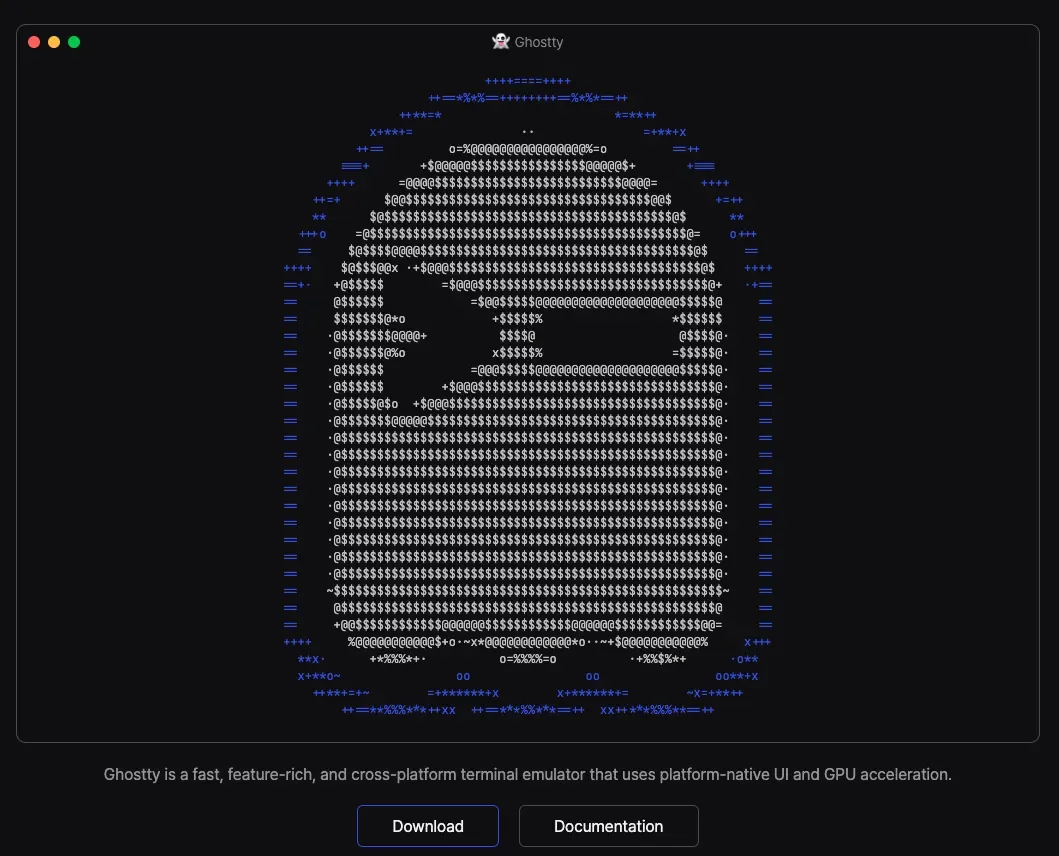
First impression of Ghostty: not bad?
Ghostty doesn’t support Windows, but with minimal config I got close to my old WezTerm setup. It uses native UI on each OS, so it feels just as snappy as WezTerm. (I could have unified shortcut keys for common commands via more config, but I didn’t want my config file growing again, so I left that part alone.)
But while using the terminal I started running into problems I hadn’t noticed before.
Problem 1: Korean sorting looks off
![[Figure 3] ls -al](/_astro/ls-al-output.WgUwxJ0e_2nHua9.webp)
That’s the output of ls -al. As you can see, the listing starts in proper Korean alphabetical order, then a second ascending Korean run starts at 데이터시각화_6조_포스터.jpg.
Problem 2: Why are Korean characters using a different font?
Here’s the font section of my Ghostty config:
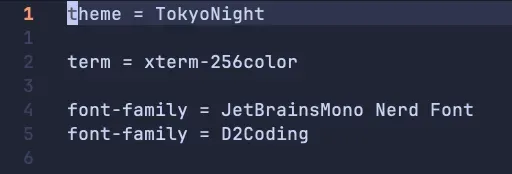
So Latin and glyphs (icons) should use JetBrainsMono Nerd Font, and Korean should use D2Coding. But looking back at Figure 3, the first Korean run uses something I never specified — a Myeongjo-ish (?) font — while the second Korean run uses D2Coding as configured.
I assumed it was a config issue and tried various fixes, but nothing changed. Eventually I started comparing five different terminal emulators to see which (if any) handled this correctly:
- Ghostty
- WezTerm
- macOS default Terminal
- iTerm2
- kitty
The results were all over the place. Digging in, this turns out to be a wild mess caused by macOS’s unusual Korean handling (NFD) colliding with the design philosophies of different terminals.
Background 1: How computers represent Korean
How a computer handles Korean is more complex than you’d think. We see the same character 한 on screen, but the underlying bits might be completely different. The two relevant Unicode normalization standards here are NFC and NFD.
A quirk of Korean (compositional script)
The letter A is a single, indivisible character. But the Korean syllable 한 is built from three jamos (component letters): ㅎ + ㅏ + ㄴ. Unicode acknowledges this and accepts two valid ways to store it.
NFC (Normalization Form C): Composed
- Meaning: Canonical Composition
- Concept: store the jamos combined into a single composed character
- Example:
한is stored asD55C— a single code point
NFD (Normalization Form D): Decomposed
- Meaning: Canonical Decomposition
- Concept: store the character as a sequence of jamos
- Example:
한is stored as1112(ㅎ) +1161(ㅏ) +11AB(ㄴ) — three consecutive code points
Both are reasonable, and so far so good — multiple ways to represent Korean is fine in the abstract. The problem starts now. Since there’s more than one standard, compatibility breaks down depending on which one each environment chooses.

Here’s how the four major environments (Windows, macOS, Linux, Web) handle NFC/NFD:
1. Windows
- Standard: NFC (Composed)
- Storage: Windows’s filesystem (NTFS) will store whatever you give it — NFD files will save too.
- Stance: Recommends NFC, and the whole ecosystem orbits around NFC. (MSDN’s
normalize()returns the NFC form.) - Rendering: No flexibility ❌ — Renders NFC fine, but if NFD data comes in, it won’t compose them — you see the raw jamos. — That’s the root cause of the jamo-separation (ㅎㅏㄴ) glitch you sometimes see.
2. Linux
- Standard: NFC (Composed)
- Storage: Like NTFS, Linux filesystems (ext4, etc.) store whatever they receive.
- Stance: No enforcement, but developers have an unwritten agreement around NFC.
- Rendering: Mixed — Modern desktop environments (GNOME, KDE) have good font rendering and tend to compose NFD on display. — But terminals (consoles) and older programs can show NFD files as separated jamos, or count characters incorrectly. (So on Linux, sticking to NFC is the path to inner peace.)
3. Web
- Standard: NFC (Composed)
- Storage/transmission: URLs and HTML data should be transmitted as NFC.
- Stance: The W3C standard officially says “use NFC on the web.”
- Rendering: Mixed
— Visually: modern browsers (Chrome, Safari) compose NFD text on display just fine.
— For search/processing: the computer treats
한(NFC) andㅎ+ㅏ+ㄴ(NFD) as completely different strings. Use NFD on the web and you can take a real hit — your content may not show up in search.
4. macOS
- Standard: NFD (Decomposed)
- Storage: The filesystem aggressively converts to NFD on save. (Even if you save
한, it gets split intoㅎ+ㅏ+ㄴ.) - Stance: The system actively intervenes to convert to NFD.
- Rendering: Very flexible 👍 — Renders its own NFD perfectly, and also nicely composes Windows-imported NFC files on display. — That’s why Mac users rarely notice the jamo-separation issue in everyday use.
To summarize…
| Environment | Standard (preferred) | Output when fed an NFD file | Notes |
|---|---|---|---|
| Windows | NFC | Broken (jamo separation) | Victim of jamo separation |
| Linux | NFC | Mostly fine (terminals depend on the case) | NFC is the unspoken default |
| Web | NFC | Mostly fine (it does at least display) | NFC is the unspoken default (search, etc.) |
| macOS | NFD | Fine | Perpetrator of jamo separation (when exporting files) |
In short, the fact that macOS is the only one preferring NFD is the root cause of the jamo-separation (ㅎㅏㄴ) glitches we run into.
But here’s the thing — I’m using Ghostty on macOS. I’d assumed macOS would just step in and render everything cleanly, but in practice some file names come out in Myeongjo, the sort order is scrambled, and weird stuff is happening.
Continued in the next post.
In This Series
Why macOS Terminals Mangle Korean: NFC vs NFD
1 / 1
Keep Reading
- Generating Safe Random Numbers (2/2): TRNG and CSPRNG
How TRNGs and CSPRNGs produce safe random numbers, and how to use them across operating systems and programming languages.
Development · 2024-01-02
- Generating Safe Random Numbers (1/2): Why it matters
From coin tosses and dice to a computer's pseudo-random output — why we need random numbers and why naive randomness isn't enough.
Development · 2023-05-01
- Ethereum vs EOS: Who Wins?
A side-by-side look at Ethereum (gen 2) and EOS (gen 3) across usability, fees, and dApp adoption — and a guess at which platform might lead next.
Development · 2018-12-06
Discussion